

Introduction
Logs is a record of what changed in your account today. Each time a silo is created, updated, or deleted, an entry is added, no matter whether the change came from the console, the Manage API, or an AI tool over MCP. Use it to answer questions like “who changed this silo?” and “did my script run?”.Open Logs
Click Logs in the sidebar, under Observe.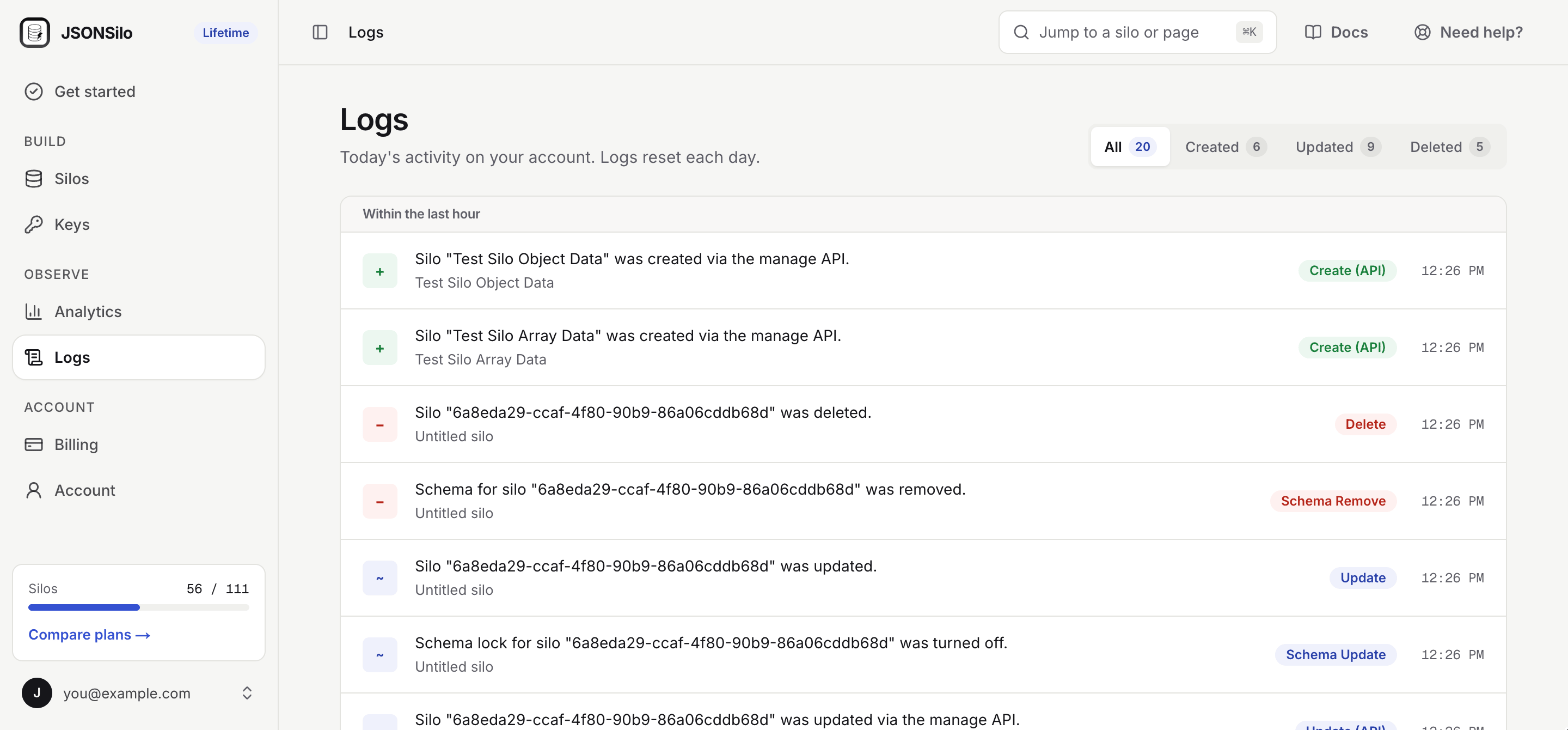
Entries are grouped by time, with the most recent first.
Filter by Action
Use the filter at the top of the screen to show one kind of activity: All, Created, Updated, Deleted, or Other.Where a Change Came From
The action tells you which surface made the change.Limitations
- Logs show today’s activity only. They reset each day.
- The screen shows the most recent 50 activities.
- Reads are not logged. To see how often a silo is read, use Analytics.